Introduction
AI has changed how people handle digital image editing. Big time. Stuff that used to need specialized software, real technical know-how, and hours of work? AI-powered tools can help with a lot of it now. You don't have to adjust every layer by hand anymore. Or every object, or every little visual setting. More and more, you just describe the change you want. In normal, everyday words. Then the AI figures out what you meant.
And yeah, that's shifted what people expect from photo-editing tech. Modern AI editors aren't stuck on basic stuff. Brightness, contrast, cropping? That's just the beginning. They can help with bigger changes, too. Objects, backgrounds, composition. Lighting and visual style. Knowing how these systems actually work helps a lot. You'll make smarter calls about when to use them. And how.
What Is AI-Powered Photo Editing?
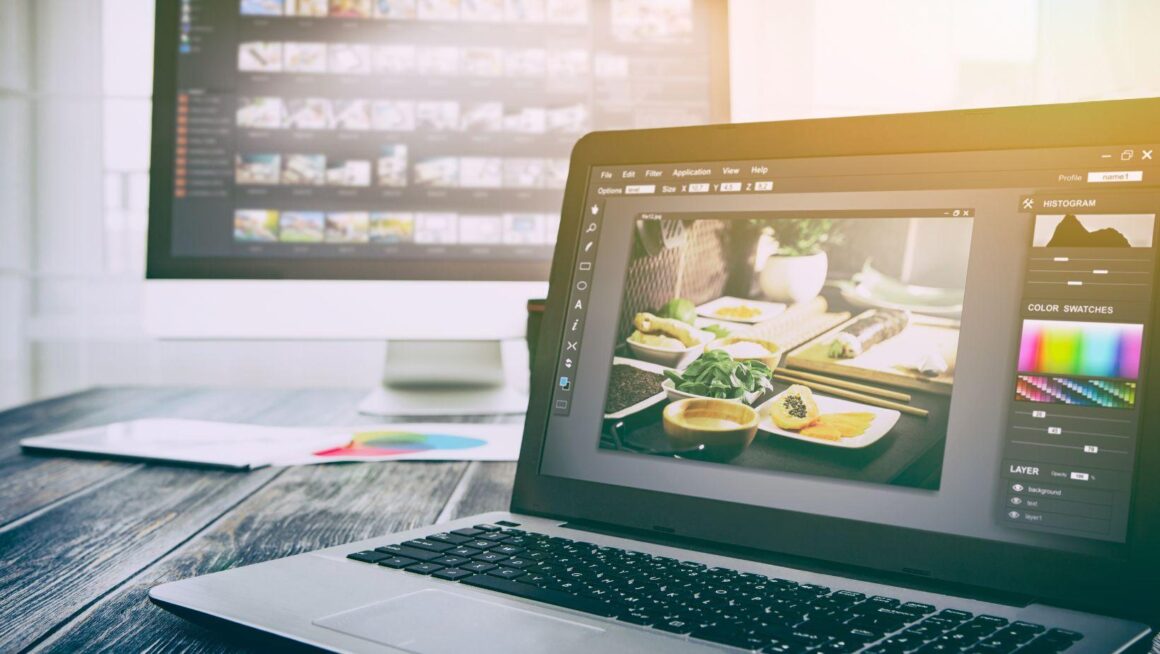
Traditional photo editing is pretty hands-on. You select an area. Pick a tool. Tweak a setting. Then check how it looks. The advanced stuff goes even deeper. Masks, layers, filters. Detailed retouching, too.
AI-powered editing takes a different route. You don't have to spell out every single step. You just describe the result you're after. The AI looks at the image and works out what needs changing. And what should stay the same.
Say there's a distracting object you want gone. Or you'd like a different background. Or you want the whole image to match a certain visual style. You give the instruction. The system reads the request. Then it creates a changed version of the image.
That's why talking to software in plain language matters more and more. It's becoming a big part of modern creative tools.
How Image-Editing Models Interpret Instructions
So how do these systems understand you? They usually run on trained models. Models that can spot how visual elements relate to each other. While processing, the system looks at two things. The original image. And your instruction.
A good instruction says what needs to change. It doesn't have to walk through every technical step. Take a background, for example. You don't need to select each part of it by hand. You can just describe the new environment in words.
The system then tries to keep the original's important features. While adding the changes you asked for. Depending on the tech, that means understanding quite a bit. Objects and how they're positioned. Colors and textures. Lighting and composition.
How good does the result turn out? That depends heavily on a few things. The model itself. How complex the image is. And how clearly your instruction gets the change across.
Understanding Nano Banana 2.5
Nano Banana 2.5 is part of a bigger trend. AI-assisted visual creation and editing, where text instructions do a lot of the heavy lifting. Tools built on this kind of tech make editing way more approachable. Especially for people who don't have much experience with professional editing apps.
A Nano Banana 2.5 photo editing tool fits right into this move toward instruction-based editing. Editing doesn't have to be a pile of separate manual steps. With AI, you just communicate the visual result you want. The model takes care of a lot of what's happening underneath.
That's really handy for experimenting. Why? You can try out different ideas. Without rebuilding the whole image from scratch every time.
Common Applications
AI image editing works in plenty of situations. Changing backgrounds is a common one. Maybe someone wants to swap a plain background for a totally different setting. While keeping the main subject recognizable, of course.
Removing objects is another practical use. Unwanted items, visual distractions. Stuff that messes with the composition. An AI-assisted instruction can sometimes clear those right out.
Creative changes are on the table, too. You can play with different artistic looks. Lighting conditions. Color treatments. Whole new environments. This is especially useful early in visual development. When you want to explore a bunch of concepts fast.
AI editing helps with everyday content work as well. Think images for presentations, educational materials, or websites. Social media posts. Personal projects. Sometimes these need small adjustments. Adjustments that just aren't worth hours of manual editing.
The Importance of Clear Prompts
AI editors make the process simpler, sure. But what you write still matters. A vague prompt? You might get something totally different from what you expected.
A clearer instruction can name the subject and the change you want. The environment, the lighting. Other important details, too. It also helps to say what should stay the same. Let's say you're changing a background. You can stress that the person shouldn't change. Not their look, their position, or their clothing.
Experimenting is part of it, too. You might have to tweak an instruction a few times. Before you get something that works. Honestly, it's like learning traditional editing tools. The more familiar you get, the faster you work.
Limitations and Considerations
Let's be real, AI photo editing isn't perfect. Complex images can cause trouble. Like when several objects overlap. Or when a change needs fine details kept exactly right. Some things can need extra attention. Text in images. Unusual perspectives. Hands, reflections, intricate patterns.
Then there's authenticity. When AI changes important parts of a photo, things shift. The image might not show the original scene accurately anymore. That difference really matters in some areas. Journalism, documentation, education. Anywhere visual accuracy counts.
You should also think about copyright, privacy, and permission. Before editing or transforming images, that is. Just having access to an image doesn't mean much. It doesn't mean every change is allowed. Or that you're free to share it around.
The Future of AI Image Editing
Where's AI photo editing headed? Toward more natural interaction, most likely. As models get better, you might describe even more complex changes. And still keep more control over specific visual details.
It'll probably fit into everyday creative work more, too. No more jumping between several apps for different tasks. People may just use conversational instructions instead. To edit, create alternatives, and polish visual ideas.
So the biggest change might not be replacing traditional editing. It's more about who gets to take part in visual creation. A lot more people, basically. Manual editing still matters for precision and professional control. AI just offers a faster way to explore ideas. And handle plenty of common changes.
Conclusion
AI photo editing is a real shift in how digital images get made and changed. Tech linked to Nano Banana 2.5 shows how much natural-language instructions matter now. In visual workflows, especially. These systems mix image understanding with generative power. And that makes lots of editing tasks way more approachable.
Using it well still takes some effort, though. Clear instructions. A careful review. And knowing where the tech falls short. As AI image tools keep developing, one thing won't change. Balancing automated help with human creative judgment. That'll stay a key part of digital image editing.